
Image to Video AI Generator
Transform static images, character portraits, and concept artwork into dynamic cinematic videos. Bring photographs to life with smooth camera moves, realistic facial micro-expressions, and high temporal fidelity.
Share this page
✨ Interactive Studio Playground
Free preview credits availableSettings
This generation: 108 credits
Sign in with Google to generate.
Sign in with Google to generate.
AI-powered generation with real-time edge processing Open full studio with advanced controls (video) →
How to Generate Image to Video AI Generator Videos in 3 Steps
Upload Starting Reference Image
Upload a clean portrait, product photo, or landscape image (JPEG, PNG, WebP) with clear subject separation.
Define Motion Vector & Guidance
Enter specific instructions for how the subject should move (e.g. 'gentle head turn, smiling eyes, camera panning clockwise') and set motion amplitude.
Render Temporal Animation
Synthesize realistic motion while preserving facial likeness, clothing textures, and lighting coherence across all frames.
✨ Subject Identity & Detail Preservation Best Practices
- · Facial fidelity preservation: prevents eye drifting, asymmetrical mouth distortion, and unnatural skin smoothing.
- · Wardrobe & texture continuity: maintains intricate clothing patterns, hair strands, and jewelry details throughout dynamic movement.
- · First-and-last frame transitions: upload start and end anchor frames to generate seamless looping animations.
- · Lighting harmony: simulates natural environmental shadows that dynamically react to subject movement without flickering.
💡 Image Latent Conditioning & Keyframe Physics
- · Latent Noise Injection: initializes diffusion latents directly from the spatial features of your source image.
- · Semantic Foreground Segmentation: separates subject movement from background perspective parallax.
- · Temporal Self-Attention: ensures motion adheres to real-world physics rather than abrupt pixel warping.
- · Multi-Reference Alignment: supports up to 50 reference angles with Seedance 2.5 for complex multi-shot sequences.
Image Privacy & Asset Protection
Your uploaded reference photos, portrait assets, and artwork remain completely confidential. Images are processed in isolated container memory and are never stored permanently without your consent or used to train public foundation models.
Frequently Asked Questions
What image formats and resolutions work best for image-to-video?
We support JPEG, PNG, and WebP images up to 20MB. Clear images with good lighting, high contrast, and sharp focus produce the most realistic video animations.
How does the AI keep character faces consistent during motion?
Our models use deep latent keyframe conditioning to lock facial geometry, eye shape, and skin texture, allowing the character to move naturally without morphing into a different person.
Can I animate artwork, anime drawings, and 3D renders?
Yes. The image-to-video pipeline works with photorealistic portraits, digital paintings, anime illustrations, and CGI renders. The model adapts motion physics to match the artistic style of your input.
Can I upload both a start frame and an end frame?
Yes, on models supporting first-and-last frame interpolation (such as Wan 3.0), you can provide both keyframes, and the AI will generate the natural in-between motion.
More AI video tools
Explore related generators — each links to its own studio and guides.
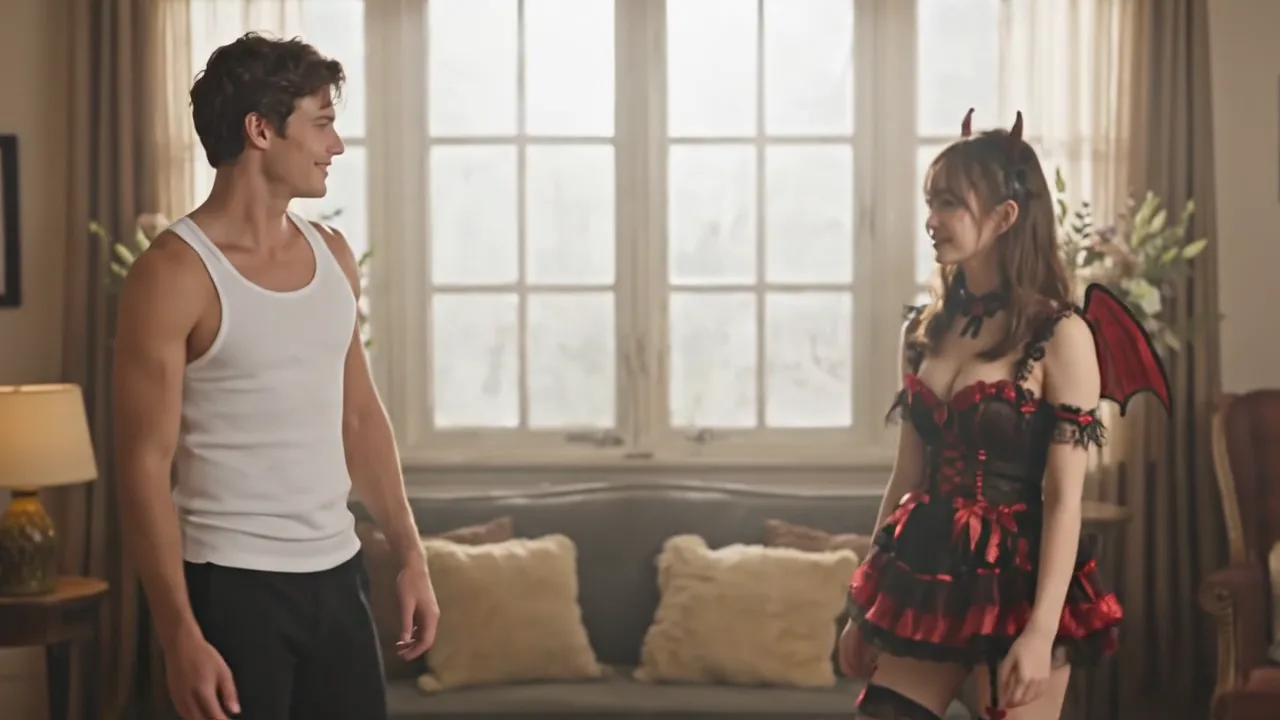
AI Hug Video Generator
Generate heartwarming AI hug videos from two photos. Bring memories to life with realistic motion, 60fps edge rendering, and free signup credits.
Open tool →AI Kiss Video Generator
Create viral AI kiss videos from two portraits. 9:16 TikTok-ready clips, multi-reference models, and romantic motion presets with free signup credits.
Open tool →AI Dance Video Generator
Make any photo dance with AI. Choose trending TikTok choreography, upload a portrait, and generate fluid 60fps dance videos in seconds.
Open tool →