
AI Hug Video Generator
Create realistic, heartwarming video clips of two people hugging using our ai hug video generator. Upload two separate photos—whether family members, lost loved ones, or friends—and our temporal diffusion AI generates a tender, lifelike embrace with natural physics and smooth facial motion.
Recommended models: MiniMax H3 · Multi-reference (default for two-photo TikTok clips) or Veo 3.1 · Multi-reference (8s, strongest identity lock). Upload one portrait per slot; label them Image 1 and Image 2 in your prompt.
Perfect for TikTok/Reels tributes, commemorative gifts, and social sharing. Export in 1080p without watermark on paid credits.
Share this page
✨ Interactive Studio Playground
Free preview credits availableUpload your reference — composition stays from the image; describe motion in the prompt.
Settings
This generation: 60 credits
Sign in with Google to generate.
Sign in with Google to generate.
AI-powered generation with real-time edge processing Open full studio with advanced controls (video) →
🎯 Recommended Studio Prompt Recipe
Tested with Diffusion ModelsThis prompt is tailored to achieve cinematic lighting, natural micro-expressions, and distortion-free video motion:
How to Generate AI Hug Video Generator Videos in 3 Steps
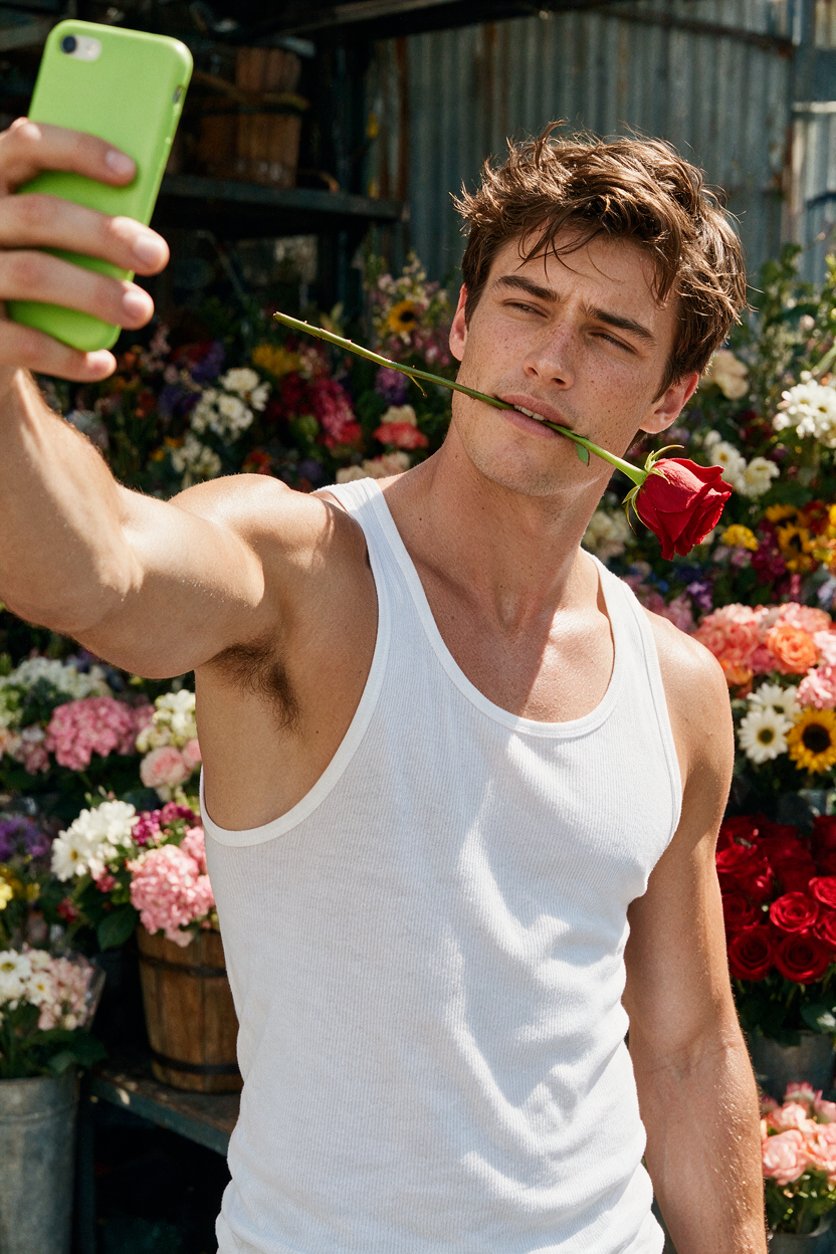
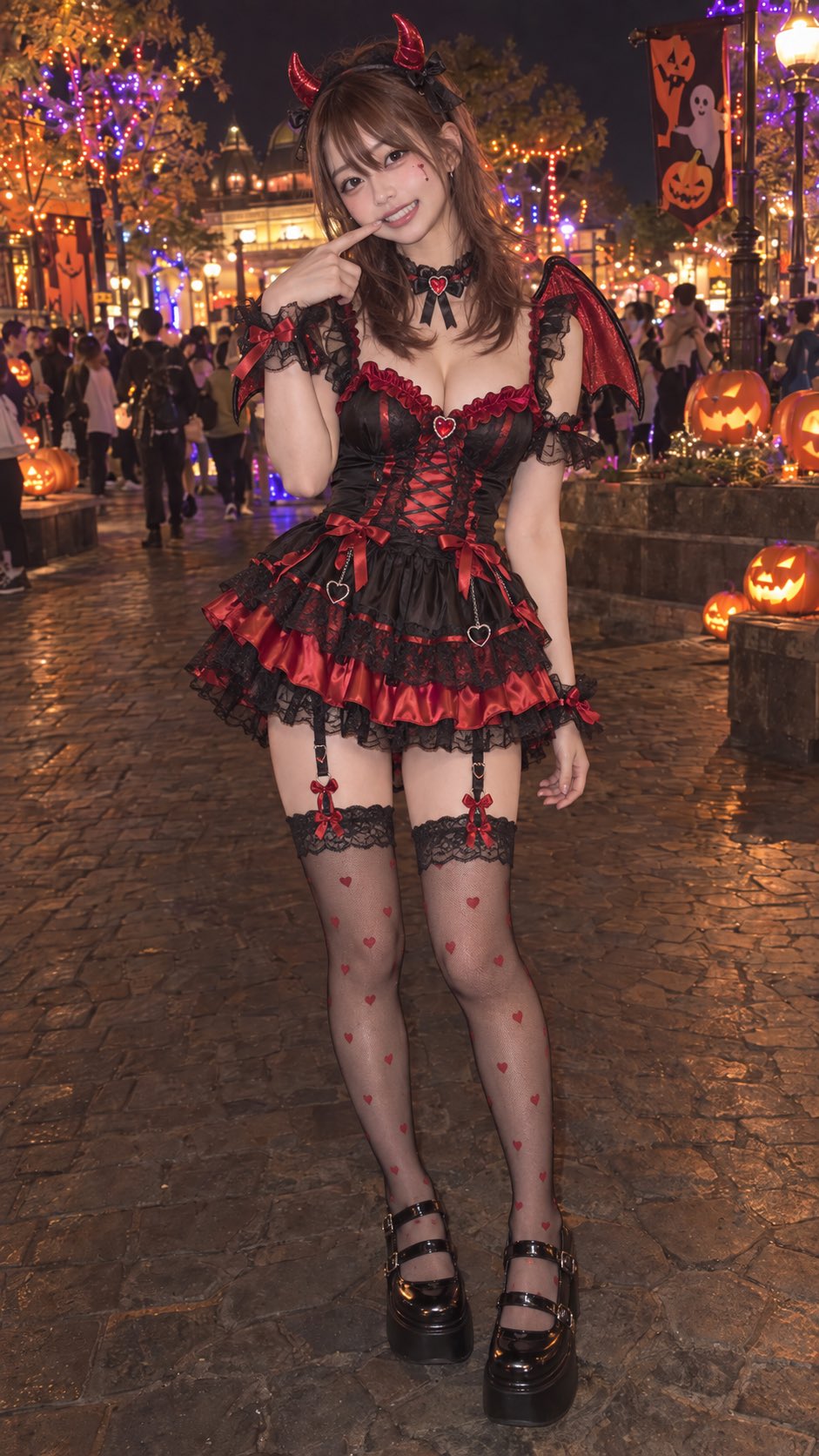
Upload two photos
Choose two clear images of the people you want to bring together. Front-facing portraits with good lighting usually produce the most natural hug animation.
Generate the hug video
Start the ai hug video generator and let the model create a short motion sequence. If needed, try a different crop or photo to improve the pose and facial alignment.
Review and export
Preview the clip, then export in the quality available for your credits. Paid exports may offer higher resolution and no watermark.
✨ Create a heartfelt hug video from two photos
- · Upload two separate portraits and turn them into a short AI hug video that feels personal and emotionally meaningful.
- · Preview the result before exporting so you can check pose, framing, and expression for a more natural-looking embrace.
- · Use the generator for memorial tributes, family keepsakes, anniversary posts, or social sharing with a gentle, cinematic feel.
- · Download a finished clip for online sharing, with higher-quality export options available on paid credits.
💡 Get better results with clear photos and the right settings
- · Use front-facing, well-lit photos with visible faces and shoulders to help the model preserve identity and motion consistency.
- · Choose images with similar framing and resolution when possible; mismatched crops can lead to awkward hand placement or edge artifacts.
- · If the output looks too tight or cropped, try a wider aspect ratio or a different source photo to improve the hug composition.
- · For the cleanest animation, avoid blurry, heavily filtered, or obstructed images, since these can increase motion artifacts and facial distortion.
Transparent credits, safer use, and privacy-minded handling
Credits and export options are shown before you generate, so you can review pricing clearly before spending. Your uploads should be used only with consent, and the tool is intended for respectful, non-deceptive creative use. We do not support deepfake abuse, impersonation, or harmful edits, and privacy protections should be reviewed in the product before uploading sensitive photos.
Frequently Asked Questions
How does the ai hug video generator work?
It uses AI video models to animate two uploaded photos into a short hugging scene. The system predicts motion, body positioning, and facial movement to create a realistic-looking embrace.
Is the ai hug video generator free to try?
Many tools offer free signup credits or a limited trial so you can test the workflow before paying. Exact credit amounts and export limits are shown in the product before generation.
What export quality can I get?
Export quality depends on the plan or credits you use. Common options include standard social-ready video and higher-quality 1080p exports on paid credits, with watermark-free output where available.
Can I use the generated hug video commercially?
Commercial use depends on the product terms and the rights you have to the source photos. Review the license and usage rules before using the video in ads, client work, or public campaigns.
Is my photo data private and safe?
You should only upload images you have permission to use, especially for personal or sensitive content. Check the platform’s privacy policy and retention settings to understand how uploads are stored, processed, and deleted.
Can I create a hug video of someone without their consent?
No. For safety and ethical use, only create videos with consent from the people involved or with photos you are authorized to use. Avoid impersonation, deception, or any harmful deepfake use.
More AI video tools
Explore related generators — each links to its own studio and guides.
AI Kiss Video Generator
Create viral AI kiss videos from two portraits. 9:16 TikTok-ready clips, multi-reference models, and romantic motion presets with free signup credits.
Open tool →AI Dance Video Generator
Make any photo dance with AI. Choose trending TikTok choreography, upload a portrait, and generate fluid 60fps dance videos in seconds.
Open tool →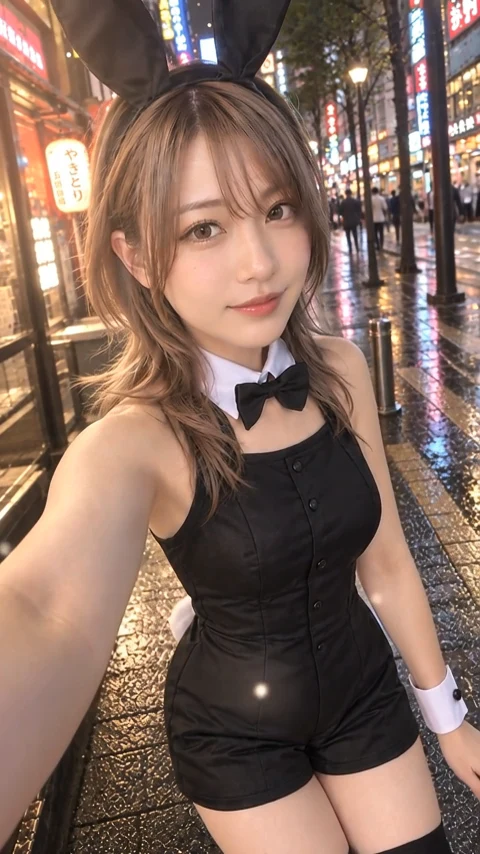
AI Anime Video Generator
Generate stunning Japanese anime video clips from text prompts. Shinkai aesthetic, vivid pastel skies, and dynamic action in 4K 60fps.
Open tool →